Embedded programming has a reputation for being hard.
Pointers are scary. Interrupts are confusing. What is a stack overflow? Why does the compiler’s optimizer change program behavior? How do you even use DMA? — most people starting out stumble over these terms.
But embedded programming itself isn’t inherently difficult. What’s missing is an understanding of the difference in assumptions compared to everyday programming.
The essence of embedded programming comes down to two things:
Being aware of “place” — memory as a physical location — and managing “time” — the sequence and timing of execution.
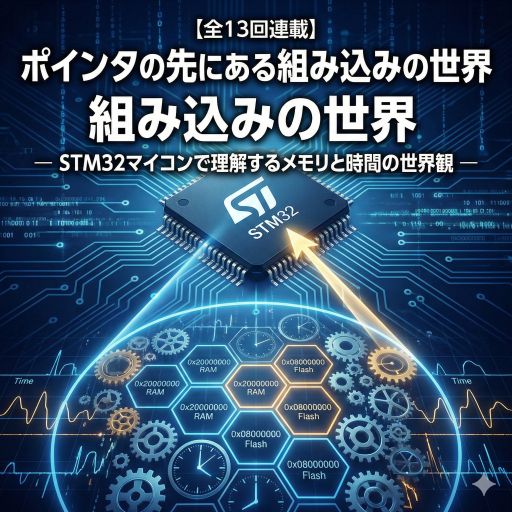
This article explores the world of embedded programming through these two lenses.
📘 Next Article
#1: The Microcontroller Is an "Address World" — Understanding Hardware Through Coordinates
📍 Series Index
✅ What You'll Be Able to Do After This Article
- Explain the root cause of why embedded programming looks difficult using two keywords
- Describe the difference between OS-protected environments and bare-metal embedded development
- Form an intuition for why pointers, interrupts, the stack, and DMA exist
- Understand the two-axis mental model of "place (memory)" and "time (execution timing)"
- See the big picture of what skills this series builds, step by step
Table of Contents
- Everyday Programming — The World Protected by an OS
- The Embedded World — Bare Metal, No OS
- First Axis: Being Aware of Memory as “Place”
- Second Axis: Managing “Time” — Execution Sequence
- Combining the Two Axes
- What This Series Covers
- Summary
Everyday Programming — The World Protected by an OS
First, think about programming for PCs, smartphones, and servers.
In these environments, the OS (operating system) handles all the complicated stuff for you. The messy details of hardware are abstracted away — you never have to think about them.
What the OS Protects You From
-
Virtual Memory
Each program believes it has its own dedicated memory. The OS handles the physical memory layout — you never need to care about where things actually live. -
Memory Protection
If your program tries to access memory it shouldn’t, the OS stops it (“Segmentation fault!”). -
Crashes Don’t Take Down the System
When one program crashes, the OS catches it and keeps everything else running. -
Multiple Programs Running “Simultaneously”
The OS divides time into slices and allocates turn-by-turn execution to each program (multitasking). -
Standard Operations for Files, Networking, etc.
Opening a file, making a network connection — these are all available through easy OS-provided interfaces (APIs and system calls).
Thanks to all this, we can focus entirely on the program’s logic. Where is memory located? When will this code run? — you don’t have to care.
The Embedded World — Bare Metal, No OS
When you program a microcontroller (like an STM32), everything changes.
Most embedded systems run bare metal — with little to no OS. (Or at most, a minimal real-time OS.)
💡 What is “bare metal”?
Literally: the metal (hardware) is exposed. There’s no “protection layer” like a normal OS. You touch the hardware directly.
Physical Constraints on Memory and Resources
-
Very little memory
RAM: a few KB to a few hundred KB. Flash: tens of KB to a few MB.
(Compare to a PC with several GB — it’s a different world.) -
Fixed memory layout
Where your program goes is determined at build time and cannot change (set by the linker). -
No virtual memory
When you say “this address,” you mean a real, physical location. No abstractions, no translation layers.
Touching Hardware Directly
The most important characteristic: writing a value to a specific memory address causes hardware to physically respond.
For example:
// Example: register controlling GPIO output (STM32)
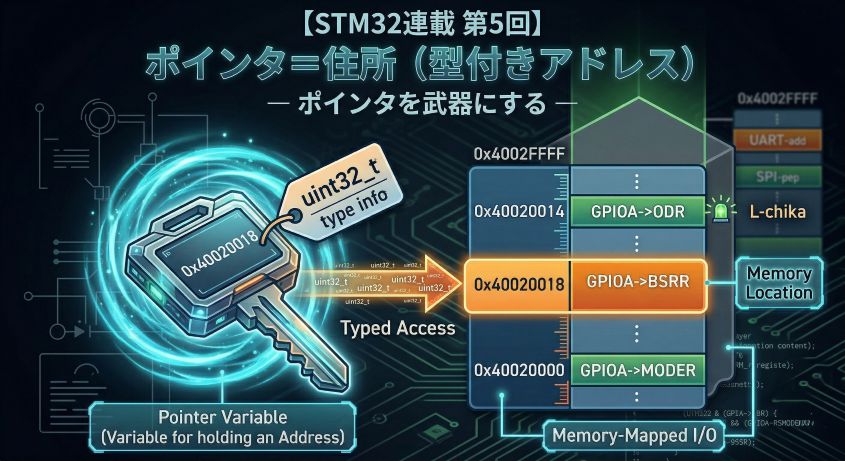
#define GPIOA_BASE    0x40020000UL
#define GPIOA_BSRR    (*(volatile uint32_t*)(GPIOA_BASE + 0x18))

// Writing to this memory location...
GPIOA_BSRR = (1 << 13);  // ← LED turns on (pin goes HIGH)
It looks like a normal variable assignment, but actual hardware physically responds.
This has special characteristics:
- Writes cause things to happen (side effects): Not just computation — electrical signals change, LEDs light up, motors spin.
- Order matters: Writing things in the wrong sequence can cause hardware to misbehave.
- Time constraints exist: “This operation must complete within N milliseconds.”
In other words, embedded programming is directly connected to physical hardware. It’s not just a software world — it’s electricity, time, and physics.
First Axis: Being Aware of Memory as “Place”
The first key principle of embedded programming: be aware that memory (storage) exists at real, physical locations.
Understanding the Memory Map
In embedded systems, memory is divided into clearly defined regions: “this range is for programs,” “this range is for data.”
For example, the memory layout of the STM32F401RE:
Memory Map example:
0x0800 0000 - 0x087F FFFF : Flash (512KB, read-only — stores the program)
0x2000 0000 - 0x2001 7FFF : SRAM  (96KB, read/write — stores data)
0x4000 0000 - 0x5FFF FFFF : Peripheral registers (GPIO, timers, etc.)
0xE000 0000 - 0xE00F FFFF : CPU internal components
💡 What is a Memory Map?
It’s a “map” of memory. It tells you what lives where: “programs at this address,” “GPIO switch at this address,” and so on.
When a program runs, things are automatically placed like this:
- Program code → stored in Flash (the
.textsection) - Initialized variables → copied from Flash to RAM at startup (the
.datasection) - Uninitialized variables → placed in RAM and zeroed (the
.bsssection) - Stack → function call info, local variables (grows from the top of RAM downward)
- Heap → dynamic memory allocation (grows from the bottom of RAM upward)
What Is a Pointer?
In C, a pointer is simply “a variable that holds a memory address.”
uint32_t value = 0x12345678;  // create variable value
uint32_t *ptr = &value;       // put the "address" of value into ptr

// ptr's value = the location where value lives (e.g., address 0x20000100)
// writing *ptr reads/writes whatever is at that location
The dangerous part in embedded programming: a pointer can point anywhere. With no OS to protect you, these problems become real:
- Access to non-existent addresses (nobody stops you → system runs wild)
- Stack and heap collision (stack grows down, heap grows up — they can meet)
- Array out-of-bounds (you corrupt a neighboring variable)
- Dangling pointer (accessing memory that’s no longer valid)
Without a solid understanding of memory as physical place, these bugs are extremely hard to find.
Second Axis: Managing “Time” — Execution Sequence
The second key principle: be aware of “when” and “in what order” things execute.
CPUs Process One Thing at a Time
CPU operation is simple:
- Read the next instruction from the address stored in the program counter (PC)
- Execute that instruction
- Move to the next instruction
It cannot do multiple things simultaneously. Everything is sequential.
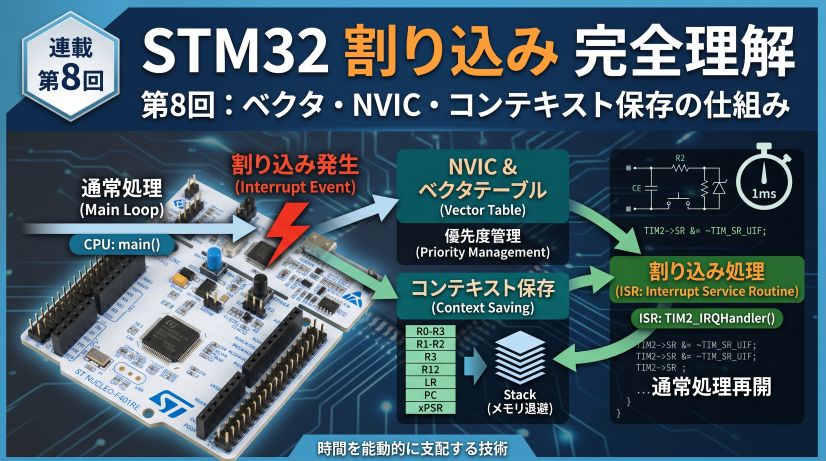
Interrupts Change the Flow
But there’s a mechanism called an interrupt: “pause what you’re doing and run something else.”
volatile uint32_t tick_count = 0;

// Main loop (low priority)
void main(void) {
    while(1) {
        process_data();  // running...
    }
}

// Timer interrupt handler (high priority)
void TIM2_IRQHandler(void) {
    tick_count++;  // runs by interrupting the main loop
    TIM2->SR &= ~TIM_SR_UIF;
}
This mechanism introduces problems:
1. Data Races (Shared Variable Conflicts)
volatile uint32_t sensor_value = 0;

// Interrupt handler (reads sensor)
void ADC_IRQHandler(void) {
    sensor_value = ADC1->DR;  // writes sensor value
}

// Main processing
void main(void) {
    uint32_t val = sensor_value;  // what if an interrupt fires mid-read?
}
⚠️ The problem:
An interrupt might fire and changesensor_valuewhile the main loop is in the middle of reading it.
Solutions: Use the volatile keyword; block execution during sensitive reads (critical sections).
2. Keep Interrupt Handlers Short
Interrupt Service Routines (ISRs) must finish as quickly as possible. Why:
- Other interrupts can’t be handled while you’re in an ISR
- The timing of main loop execution becomes unpredictable
- Stack usage grows with each nested interrupt
3. Deadlines — “This Must Complete Within N Milliseconds”
Embedded systems have hard deadlines:
- Motor control: PWM calculations must finish within one PWM period
- Communication: responses must arrive before the protocol timeout
- Sensors: measurements must be taken at exact intervals
Meeting these timing constraints requires measuring execution time and optimizing.
Combining the Two Axes
When you think about “place” (memory) and “time” (execution) together, many embedded concepts become easier to understand.
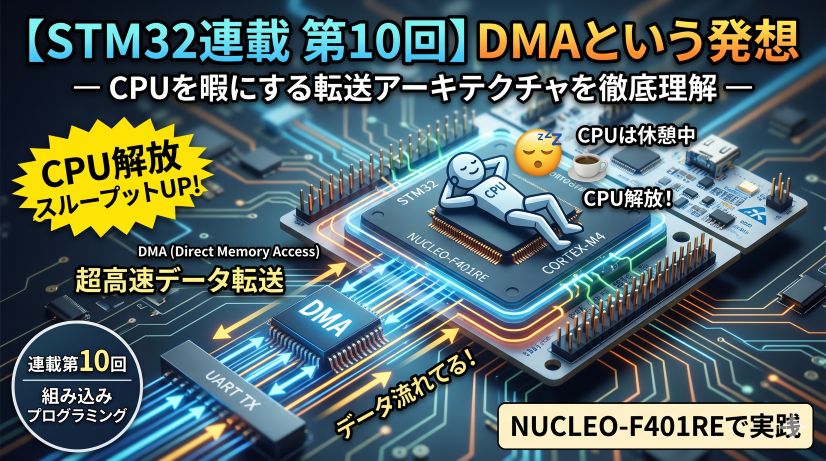
Example 1: DMA (Direct Memory Access)
DMA is “a mechanism that copies memory automatically, without involving the CPU.”
Place perspective (memory):
- Specify “from where” and “to where” the data moves
- Example: peripheral register (UART) → memory, or memory → memory
- Specify transfer size (1 byte, 2 bytes, 4 bytes, etc.)
Time perspective (execution timing):
- DMA runs concurrently with the CPU (true parallelism)
- DMA notifies the CPU via interrupt when the transfer completes
- DMA and CPU can conflict when accessing memory simultaneously (bus contention)
Example 2: Stack Overflow
“Stack overflow” sounds intimidating, but it’s understandable through the two axes:
Place perspective (memory):
- Stack: grows from the top of RAM downward
- Heap: grows from the bottom of RAM upward
- When they collide, it’s catastrophic (undefined behavior — anything can happen)
Time perspective (execution timing):
- Calling many functions (especially recursion) grows the stack
- Deeply nested interrupts grow the stack
- Large local variables grow the stack
- You don’t see this at compile time — it shows up at runtime
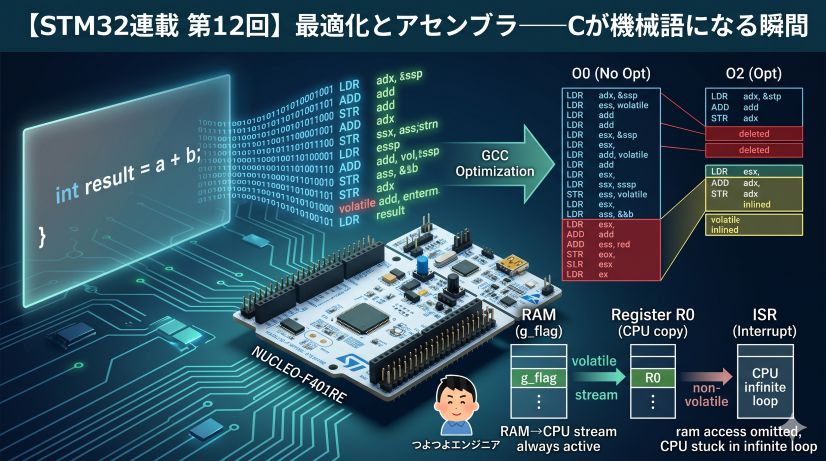
Example 3: The volatile Keyword
volatile tells the compiler “don’t optimize this away.” Why it’s needed makes sense through both axes:
Place perspective (memory):
- Accessing hardware registers (GPIO, etc.)
- Variables that hardware or DMA might change behind your back
Time perspective (execution timing):
- Variables shared between the main loop and an interrupt handler
- Prevents the compiler from removing accesses it judges “redundant”
// Without volatile, the compiler might decide:
// "you wrote this twice, once should be enough" — and remove one write
volatile uint32_t *gpio_odr = (volatile uint32_t*)0x40020014;

*gpio_odr = 0x01;  // LED ON  (guaranteed to execute)
*gpio_odr = 0x00;  // LED OFF (guaranteed to execute)
What This Series Covers
This series builds understanding step by step, organized around the two axes of memory space and execution time.
Phase 1: Understanding Memory Space (Episodes 1–6)
- Reading Memory Maps: Flash / SRAM / peripheral register layout
- Linker scripts and sections: .text / .data / .bss / stack / heap
- C memory model: physical placement of variables, arrays, structs
- Bit operations and register access: read-modify-write problems, BSRR mechanism
- Systematic understanding of pointers: typed addresses, casting, memory-mapped I/O
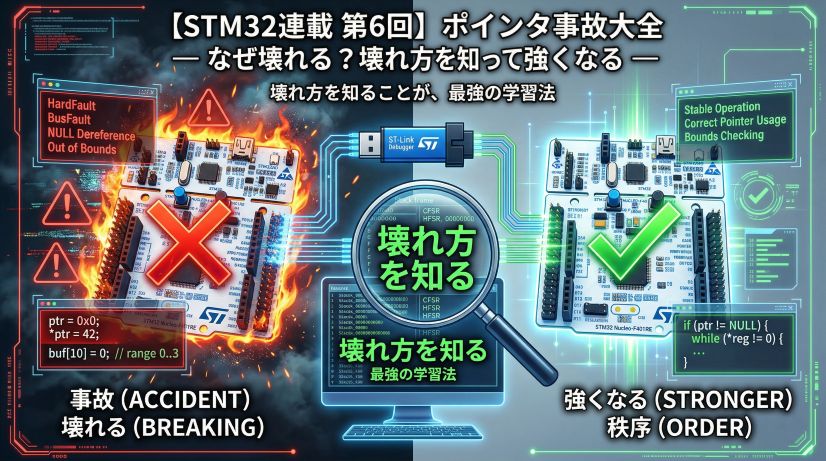
- Pointer bug patterns: NULL dereference, dangling, out-of-bounds, undefined behavior
Phase 2: Understanding Execution Time (Episodes 7–9)
- Clocks and timing measurement: cycle counting with DWT CYCCNT
- Interrupt mechanism: NVIC, vector table, context switch
- Interrupt handler design patterns: ISR constraints, shared variables, critical sections
- Worst-case execution time: deadlines, priorities, jitter
Phase 3: System Integration (Episodes 10–12)
- DMA parallelism: CPU offloading, bus contention
- Linker operation and memory layout: map file analysis, memory usage optimization
- Compiler optimization: -O0 vs -O2, reading assembly output, undefined behavior and optimization
All of this rests on two foundations: physical understanding of memory space and precise control of execution time.
Summary
Embedded programming looks “hard” for two simple reasons:
-
You must be aware of memory as physical “place”
No virtual memory, no memory protection — you directly operate on physical addresses. -
You must manage execution “time”
Interrupts, DMA, real-time constraints — “when” and “in what order” must be tightly controlled.
These aren’t intrinsic difficulty — they’re simply what’s left when you remove the OS protection layer.
Flip it around: because hardware behavior is directly visible, you can see exactly what’s happening. Nothing is hidden.
This series uses the STM32 (ARM Cortex-M4), but the goal isn’t “how to use STM32.” It’s to build a way of thinking that applies to any embedded system.
What’s Next
Episode 1: The Microcontroller Is an “Address World”
Next time, as the first step toward understanding memory as place:
- What is the CPU doing? The fetch → decode → execute cycle
- What does “everything is an address” mean? Memory-mapped I/O explained
- See it yourself: Use the debugger to look inside memory and registers
We’ll explore the world of “addresses” together — the true nature of embedded development.
📍 Series Index
📚 Next
Episode 1: "The Microcontroller Is an Address World"
The CPU is a state machine. It reads instructions from memory, writes to registers.
Addresses are reality. Let's look inside with a debugger.
Learning to see the hardware beneath the code — that is the first step of an embedded engineer.